Edit by transcript
A word-level transcript synced with the timeline. The agent cuts filler words and repeated takes; click a struck word to bring its audio back.
Edit any video by asking for it. An AI agent cuts the pauses, adds subtitles, your logo and zooms, and turns one recording into vertical shorts. You watch every change in the preview and the timeline, and fix anything by hand.
Every step above happens inside Frameshell, and you can do each one: one folder, your agent, plain words.
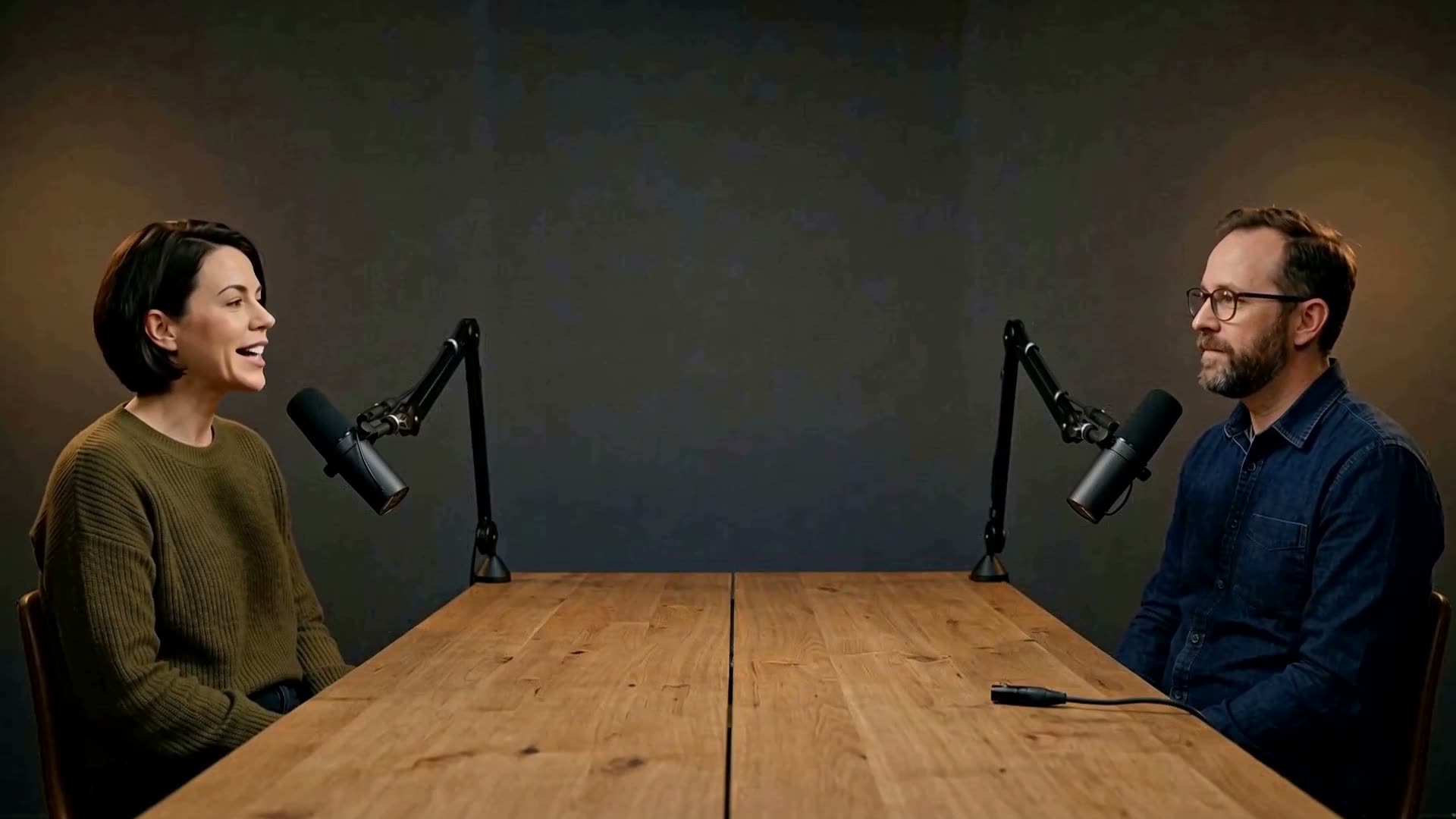
Footage generated with AI for this demo.
Everything lives as plain files in one folder: your footage, its transcript, the script as text, one timeline per video and the animations as code. Shorts branch off the same recording, so nothing gets copied or lost.
Describe what you want in your own words. Claude Code, Codex, Gemini CLI or any other agent runs inside Frameshell and makes the change.
The preview and the timeline update as each change lands. Titles and animations render in the background.
Trim, move or split clips, or click a word in the transcript to restore it. Your edits and the agent's live in the same project.
The agent works from the timeline as it is now. Each of its changes can be reviewed and undone.
A word-level transcript synced with the timeline. The agent cuts filler words and repeated takes; click a struck word to bring its audio back.
Agent changes are grouped into steps, labelled with the agent that made them. Undo any of them.
Footage, music, voice-over, logos, subtitles, titles and animations, each on its own track.
Clips come from your footage, HTML animations, React components, including your own app's code, or a plugin.
YouTube 1080p and 1440p, or vertical for Shorts, Reels and TikTok. Subtitles burn in and loudness is evened out.
For developers: the timeline has a published schema. You, the agent and the CLI all edit the same file, and git diffs it.
Drive a project from Claude Code or any MCP client, frames included.
claude mcp add frameshell -- frameshell mcpVlogs, interviews, podcasts, classes. The agent removes silences and repeated takes, trims the intro, adds subtitles, evens out loudness and cuts shorts for social media. You review the result and restore anything it shouldn't have cut.
Explainers, product demos, shorts. Write the script, drop in your clips and a voice-over, and let the agent build the titles and animations.
## Hook
Three cafés, one street.

## The secret spot
Show the sign, then my reaction.All files and checksums are on the release page.
Open the folder in Frameshell, then in its terminal:
frameshell initThe tools it needs (ffmpeg, whisper.cpp, headless Chrome) download on first use.
Official plugins install per project:
frameshell plugin install @frameshell/whisper-cpp
frameshell plugin install @frameshell/hyperframes
frameshell plugin install @frameshell/remotion
Start Claude Code, Codex or Gemini CLI in the same terminal and describe the video you want, like you would to an
editor. The frameshell command is already on its PATH, and the skill frameshell init wrote
into the project teaches it the CLI.
Frameshell is free and built in the open. The specification, the decisions behind it and every release live on GitHub.